GPU memory debugging has a workflow problem.
You're training a model. Epoch 9 finishes. Epoch 10 starts. Then:
RuntimeError: CUDA out of memory while allocating 2.4 GiB
You open nvidia-smi. It tells you the card is full. It does not tell you which tensor grew, which step caused the spike, or what changed since the last run that used to be fine. So you do what everyone does: reduce batch size, restart, and hope. If that doesn't work, you add print statements, watch numbers scroll by, and try to spot the problem before the process exits — taking all the evidence with it.
That's the gap Stormlog is built to close.
What Stormlog Is#
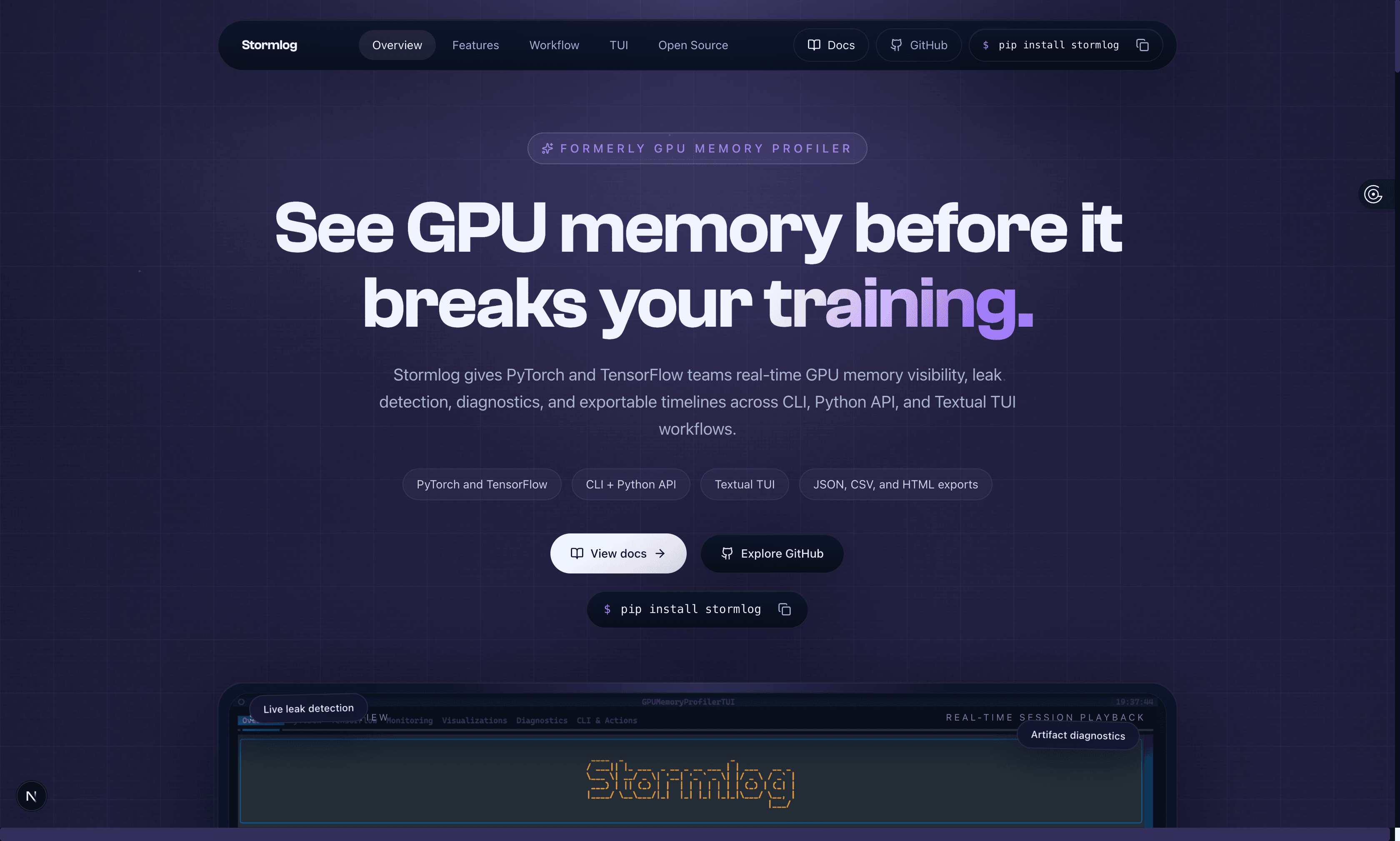
Stormlog is an open-source GPU memory profiler for PyTorch and TensorFlow. It gives you real-time visibility into allocation, peak usage, and reserved memory while your training job is running — and it saves that telemetry as durable artifacts you can inspect, compare, and share after the run ends.
Three interfaces, one install:
- CLI for quick monitoring sessions and artifact-driven analysis without touching your training code
- Python API for instrumentation directly inside training loops, with decorators, context managers, and programmatic sessions
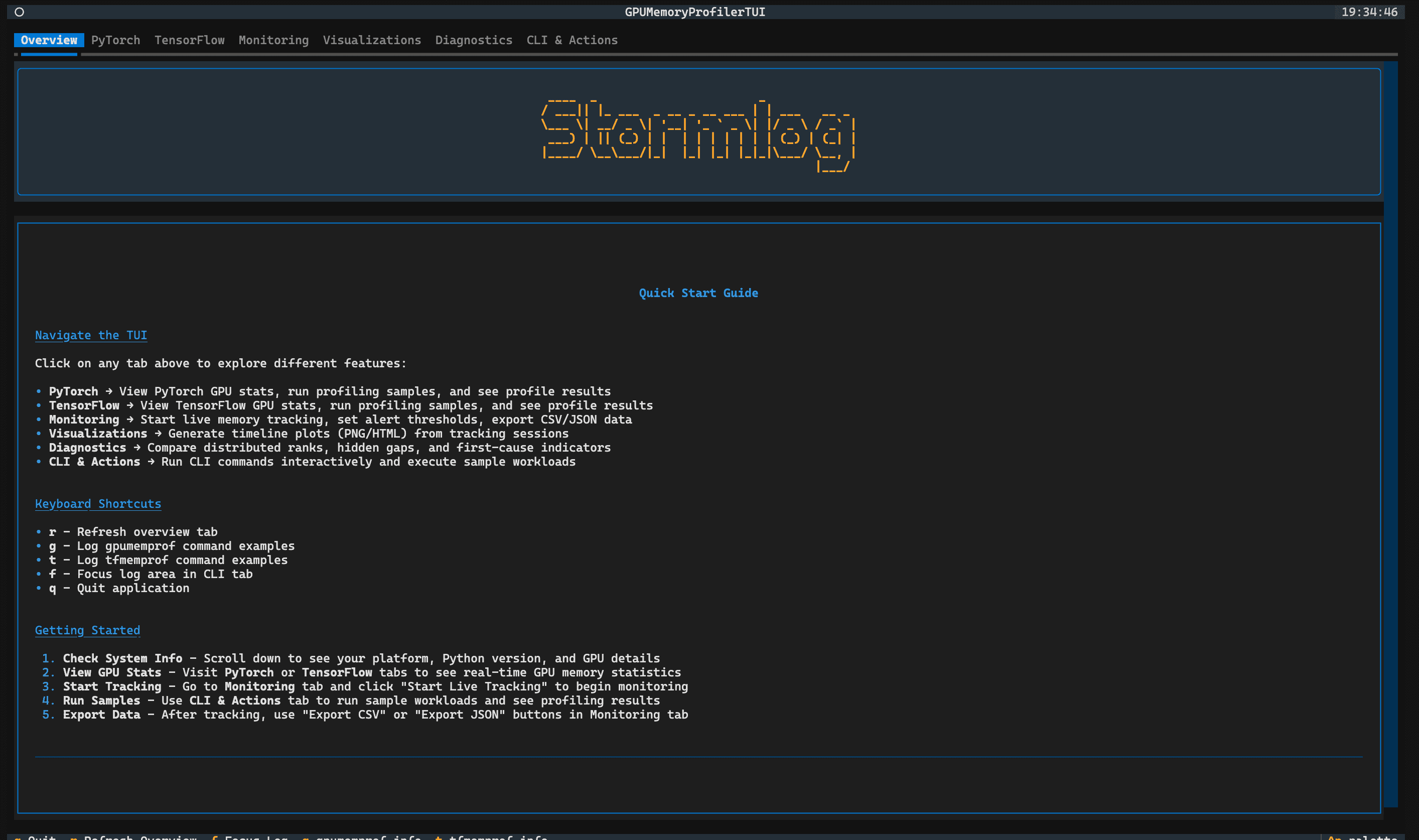
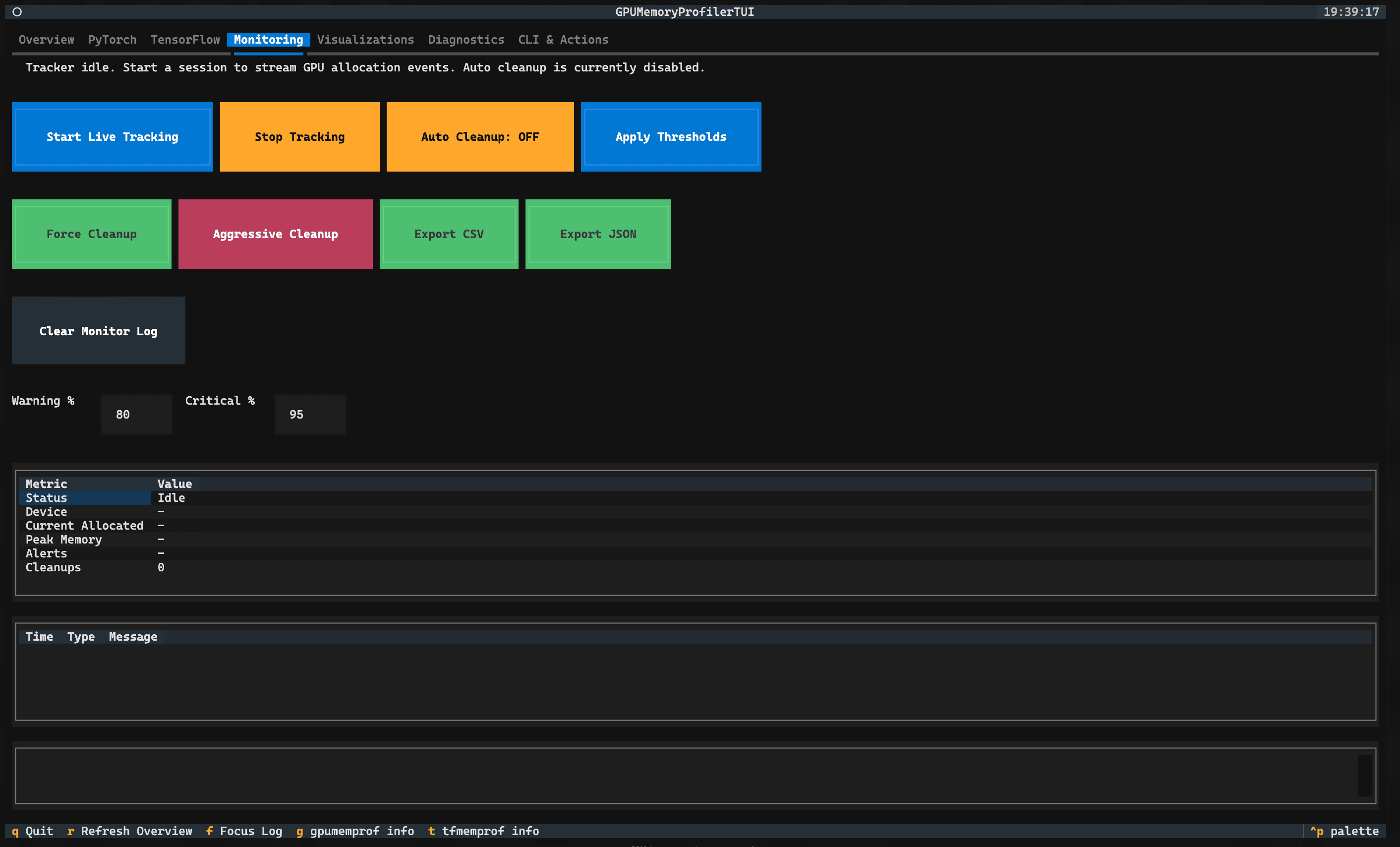
- Textual TUI for an interactive terminal workspace covering live tracking, diagnostics, visualizations, and CLI actions in one place
One install gets you all three:
pip install stormlogThe Problem It Actually Solves#
The standard debugging loop before Stormlog looks like this: you watch numbers move in a terminal while the process is alive, the process exits, the numbers disappear, and you're left reconstructing what happened from memory and incomplete logs. If the run was distributed, you're also trying to correlate behavior across ranks with no shared view of what each one was doing.
PyTorch's built-in counters — torch.cuda.memory_allocated(), torch.mps.current_allocated_memory() — are useful but limited. They tell you the current state. They don't give you a timeline, classify drift patterns, detect anomalies, or produce anything you can hand to a teammate for follow-up investigation.
Stormlog doesn't replace those counters. It builds a layer on top of them that makes the full debugging sequence tractable:
- Watch memory as it changes mid-epoch, not after the crash report lands
- Classify drift patterns — persistent growth vs. transient spikes — with statistical signals
- Save the full telemetry as artifacts you can reload later
- Run diagnostics in a TUI without re-executing the training job
- Compare the broken run against the fixed one with the same tooling
What the Workflow Looks Like#
Stormlog's workflow has five steps: Instrument, Observe, Diagnose, Export, Validate (confirm the fix against the same metrics and artifacts).
Step 1: Instrument#
The simplest path is the profile_function decorator. Add it to the function you want to profile:
from stormlog import profile_function

@profile_function
def train_epoch(model, dataloader):
    for batch in dataloader:
        loss = model(batch)
        loss.backward()
For tighter control — threshold alerts, OOM flight recording, job IDs — use the MemoryTracker API directly:
from stormlog import MemoryTracker

tracker = MemoryTracker(
    device="cuda",
    sampling_interval=0.5,
    enable_alerts=True,
    job_id="run-001",
)
tracker.set_threshold("memory_warning_percent", 70.0)
tracker.set_threshold("memory_critical_percent", 85.0)
tracker.start_tracking()
Step 2: Observe#
Launch a live monitoring session from the CLI while your training job is running:
gpumemprof monitor --duration 60 --interval 0.5Or launch the TUI for the full interactive workspace:
stormlogStep 3: Diagnose#
When something is wrong, Stormlog turns the run into evidence you can inspect after the process exits. The CLI analyzer classifies hidden-memory gap patterns — persistent device-vs-allocator drift using linear regression, transient gap spikes using z-scores, and rank-aware first-cause signals when multiple ranks are present. After saving telemetry to a file:
gpumemprof track --duration 60 --interval 0.5 --output run.json --format json
gpumemprof analyze run.json --format txt --output analysis.txt
A typical hidden-memory analysis can surface signals like persistent device-vs-allocator drift with an R² score, or transient gap spikes with z-score evidence. For allocator-visible tensor retention leaks, the exported event stream still preserves the allocated and reserved timeline so you can compare slope, peak, and recovery across runs. When saved telemetry includes multiple ranks in one combined stream, the same analyzer can summarize distributed views: participating ranks, missing ranks, and a top first-cause suspect.
Step 4: Export#
When the run ends, export telemetry directly from Python:
# Export the raw event stream in your choice of format
tracker.export_events("run.json", format="json")
tracker.export_events("run.csv", format="csv")
Or pass an output path directly to the track command to capture a CLI session:
gpumemprof track --duration 60 --output run.json --format jsonFrom there, timeline plots and HTML exports are generated via the TUI's Visualizations tab or through the MemoryVisualizer API:
from stormlog import MemoryVisualizer

visualizer = MemoryVisualizer(profiler)
visualizer.plot_memory_timeline(save_path="timeline.png")
Each tracked run can produce a full artifact bundle: raw event streams in JSON and CSV, timeline data, summary statistics, alert records, and visual exports — all reloadable in the TUI and shareable with teammates.
Step 5: Validate#
After the fix, the numbers tell the story:
Before: OOM at batch_size=64
After: batch_size=64 stable again
Peak allocated: 2.04 GB → 0.09 GB

✓ 50 epochs completed
✓ zero OOM interruptions
A Concrete Example: Catching a Retention Leak#
In a recent walkthrough on Apple Silicon, a small MLP training job had a leak hiding inside what looked like defensive debugging code. The training loop was retaining tensors across steps to enable later inspection:
# The bug: looks safe, but keeps full device tensors alive
self.hidden_cache.append(hidden.detach().clone())
detach() breaks autograd history. clone() duplicates the tensor. Neither moves it off the device. The result: every step added to a growing list of live device allocations.
The model metrics looked fine. Validation accuracy was 94.30%. But memory told a different story — peak allocated had grown from 0.075 GB on a clean baseline to 2.04 GB on the leaky run, and allocated slope had increased from 6.3 MB/s to 637.5 MB/s.
Stormlog's tracker surfaced this as a warning mid-run. The fix replaced full device tensors with bounded scalar summaries copied to the host:
# The fix: keep only what you actually need, on the host
self.summaries.append({
    "hidden_mean": float(hidden.detach().float().mean().cpu().item()),
    "hidden_std": float(hidden.detach().float().std().cpu().item()),
    "loss": float(loss.detach().cpu().item()),
})
After the fix: peak allocated back to 0.091 GB, allocated slope at 3.6 MB/s, validation accuracy at 94.69%. The fix preserved debuggability without preserving device memory pressure.
What's Supported#
Frameworks: PyTorch (CUDA, MPS) and TensorFlow
Interfaces: CLI (gpumemprof, tfmemprof), Python API, Textual TUI (stormlog)
Exports: JSON, CSV, HTML, PNG
Diagnostics: Leak detection, drift classification, spike detection, rank-aware distributed analysis, OOM flight recording
Platforms: CUDA, ROCm, Apple Silicon MPS, CPU-compatible for workflow testing
Get Started#
pip install stormlogThe documentation covers installation, architecture, every interface, and the TUI in detail. The repository is public with issue tracking and contribution paths open. There's also a companion tutorial repo with runnable scripts that reproduce the full walkthrough above, from clean baseline to leaky run to OOM to fixed.
Stormlog exists because GPU memory debugging shouldn't require reassembling the same ad hoc workflow every time a run goes sideways. If your training jobs have hit OOM crashes you couldn't explain — or you've reduced batch size as a workaround and never found the actual cause — that's the problem this tool is designed to solve.
Stormlog is maintained by Prince Agyei Tuffour, Silas Asamoah, and Derrick Dwamena.