Memory leaks in training loops don't always announce themselves. Loss curves go down. Validation accuracy looks fine. The model converges. And somewhere in the background, GPU memory climbs steadily toward the limit until the run crashes — or worse, silently degrades your batch size until you're training at a fraction of what the hardware can actually support.
This walkthrough traces a complete debugging sequence: a clean training run, a deliberate retention leak, the Stormlog artifacts that surface it, the OOM boundary, and the fix. Every step is reproducible with the companion tutorial repository. The setup is deliberately small — a synthetic PyTorch classification task on Apple Silicon — so the memory behavior is easy to reason about without the modeling complexity getting in the way.
By the end, you'll have seen the full Stormlog workflow in action: instrument, observe, diagnose, export, and validate the fix against the same artifacts and metrics.
Setup#
Clone the tutorial repo and create the environment:
git clone https://github.com/Silas-Asamoah/stormlog_tutorial
cd stormlog_tutorial
conda env create -f environment.yml
conda activate stormlog-tutorial-mps
Or set it up manually:
conda create -n stormlog-tutorial-mps python=3.11 numpy matplotlib -y
conda activate stormlog-tutorial-mps
pip install --upgrade pip
pip install "stormlog[viz,tui,torch]" "torch>=2.2"
Verify the environment before running anything else:
python3 scripts/00_verify_env.pyThis confirms that PyTorch is installed, the MPS backend is available, and Stormlog's tracking API is importable. The walkthrough also works on CUDA — the device-specific differences are noted where they matter.
Step 1: Start with PyTorch's Native Counters#
Before bringing Stormlog in, it helps to understand what PyTorch already exposes. On Apple Silicon:
def current_backend_memory(device: torch.device) -> dict[str, int]:
    if device.type == "mps":
        return {
            "allocated_bytes": int(torch.mps.current_allocated_memory()),
            "reserved_bytes": int(torch.mps.driver_allocated_memory()),
        }
    if device.type == "cuda":
        index = device.index if device.index is not None else torch.cuda.current_device()
        return {
            "allocated_bytes": int(torch.cuda.memory_allocated(index)),
            "reserved_bytes": int(torch.cuda.memory_reserved(index)),
        }
allocated_bytes is how much memory is tied to live tensors from PyTorch's point of view. reserved_bytes is how much the backend has claimed from the device allocator, including memory not currently in use but held for future allocations. When both numbers are stable, the run is healthy. When they climb together, something is holding onto memory it shouldn't be.
Run the native debugging script to see these counters in action:
python3 scripts/01_pytorch_native_debugging.pyOn the tutorial workload, the native-only pass finishes with peak allocated memory at 459 MB and a cached leak already visible at 201 MB. Something is drifting. The limitation is that this view is live-only — when the process exits, the evidence goes with it. There's no timeline, no drift classification, nothing you can hand to someone else for review.
Step 2: The Clean Baseline#
Run the baseline training job — same model, same data, no retention bug:
python3 scripts/02_train_baseline.pyThe model is a small MLP on synthetic classification data. The training loop is straightforward: forward pass, loss, backward, optimizer step. Nothing is retained between steps.
Baseline results: validation accuracy 94.56%, peak allocated memory 0.075 GB, allocated memory slope 6.3 MB/s. Keep these numbers in mind — everything that follows will be measured against them.
Step 3: Introducing the Leak#
The leak lives in a class called DeviceTensorRetention. The training loop retains activations and logits across steps so they can be inspected later:
class DeviceTensorRetention:
    def __init__(self) -> None:
        self.hidden_cache: list[torch.Tensor] = []
        self.logit_cache: list[torch.Tensor] = []

    def observe(
        self, *, hidden: torch.Tensor, logits: torch.Tensor, loss: torch.Tensor, step: int
    ) -> None:
        # Looks safe — but both tensors are still on the device
        self.hidden_cache.append(hidden.detach().clone())
        if step % 4 == 0:
            self.logit_cache.append(logits.detach().clone())
This pattern is worth examining carefully because it looks defensive at first glance. detach() does something real and useful: it severs the tensor from the autograd computation graph. clone() also does something real: it creates a copy. The problem is what neither operation does. detach() does not move the tensor off the device. clone() duplicates it, still on the device. So every call to observe() creates new full-sized MPS tensors and appends them to lists that live for the entire training run.
Run the leaky training job:
python3 scripts/03_train_with_leak.pyThe model metrics barely moved. Accuracy dropped 0.26 percentage points — well within noise. But the memory story is completely different: peak allocated reached 2.04 GB (from 0.075 GB), peak reserved 3.03 GB, and allocated slope climbed to 637.5 MB/s (from 6.3 MB/s). That 100x increase in slope is the signature of a retention leak.
Step 4: Stormlog Turns the Run Into Evidence#
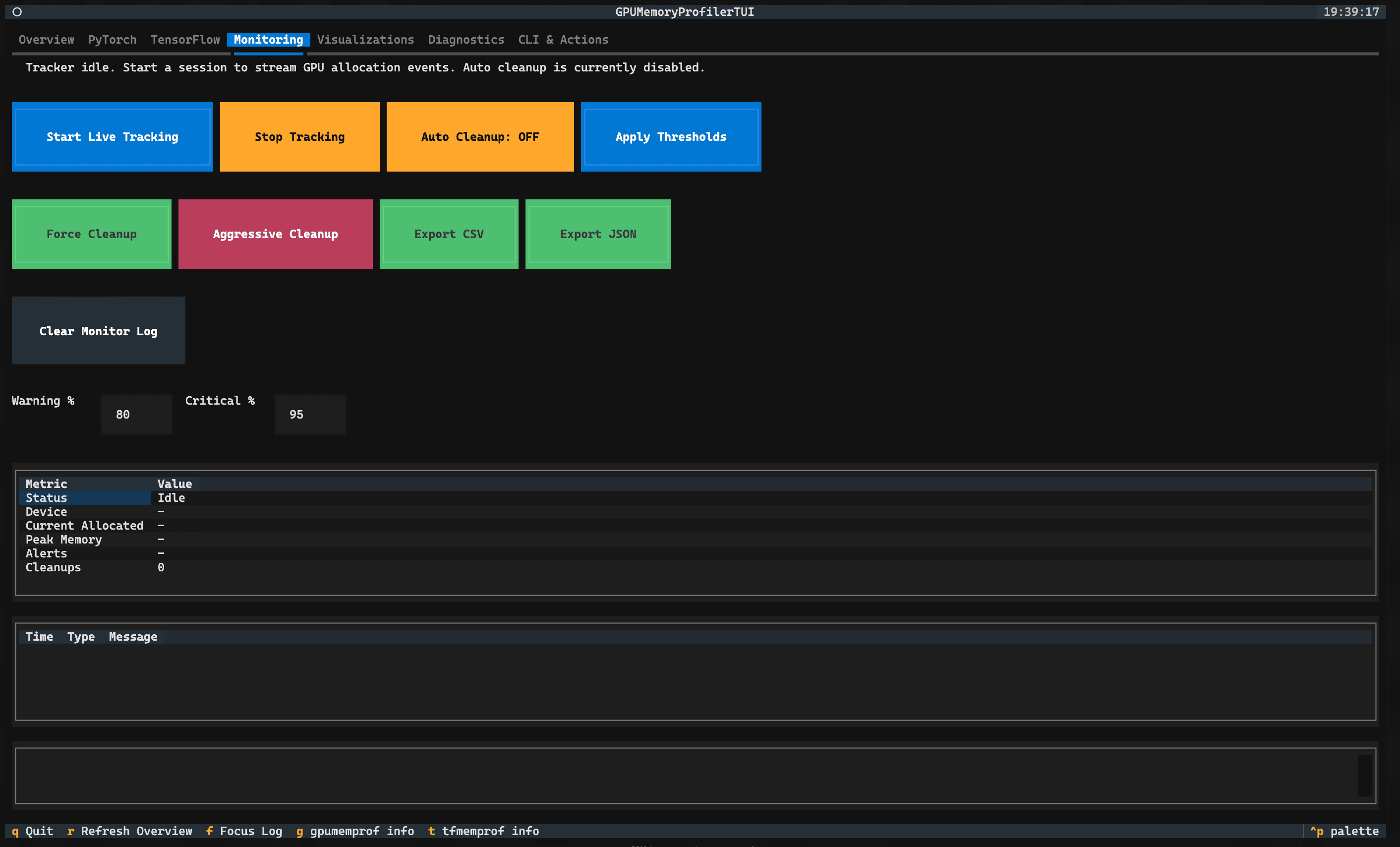
This is where the workflow changes. Instead of watching numbers while the process is alive and losing them when it exits, Stormlog captures the run as a durable artifact set.
The tracker setup takes around ten lines. Note that the tutorial repo's tracking_helpers.py wraps this into a helper function — the code below shows what that helper is doing under the hood using Stormlog's actual API:
from stormlog import MemoryTracker

tracker = MemoryTracker(
    device="mps",                       # or "cuda" on NVIDIA hardware
    sampling_interval=0.5,              # sample every 0.5 seconds
    enable_alerts=True,
    enable_oom_flight_recorder=True,    # capture state around OOM events
    oom_dump_dir="artifacts/oom",
    job_id="stormlog-tutorial",
)

# Set thresholds so risky runs surface immediately
tracker.set_threshold("memory_warning_percent", 70.0)
tracker.set_threshold("memory_critical_percent", 85.0)
tracker.start_tracking()
The training loop itself barely changes. Wrapping it with tracker.capture_oom() as a context manager intercepts any OOM events and writes a flight recorder bundle before the exception propagates:
try:
    with tracker.capture_oom(context="leaky-training"):
        for features, labels in train_loader:
            logits, hidden = model(features, return_hidden=True)
            loss = criterion(logits, labels)
            loss.backward()
            optimizer.step()
            retention.observe(hidden=hidden, logits=logits, loss=loss, step=global_step)
finally:
    tracker.stop_tracking()
When the run finishes, export the event stream:
tracker.export_events("artifacts/events.json", format="json")
tracker.export_events("artifacts/events.csv", format="csv")
The run is no longer a stream of terminal output. It's a set of files that can be reloaded in the TUI, shared with a teammate, or attached to a GitHub issue — all without re-executing the training job.
Run the tracker API walkthrough:
python3 scripts/04_run_tracker_api.pyStep 5: CLI Analysis and Diagnostics#
With artifacts in hand, the CLI can classify what happened:
gpumemprof analyze artifacts/events.json --format txt --output analysis.txtFor this tutorial's tensor-retention bug, the primary evidence is allocator-visible: the exported timeline and comparison scripts show peak allocated memory and allocated-memory slope jumping sharply from the clean baseline to the leaky run. gpumemprof analyze still gives you a telemetry-backed report from the saved events, and it adds hidden-memory gap findings when device-level usage diverges from allocator-reserved memory. That distinction matters: allocator-visible retention leaks and hidden device-vs-allocator gaps are different failure modes, even though both are investigated from the same exported telemetry.
For a broader environment snapshot:
gpumemprof diagnose --duration 0 --output artifacts/diagRun the CLI analysis step:
python3 scripts/06_run_cli_analyze.py
python3 scripts/07_run_cli_diagnose.py
Step 6: Cross the OOM Boundary#
The tutorial includes a script that forces a real OOM in an isolated subprocess — isolation matters here because a hard failure shouldn't abort the rest of the walkthrough:
python3 scripts/08_trigger_real_oom.pyThe worker sets the MPS memory fraction to 0.2 to make the boundary reachable quickly. On the tutorial machine it completed 33 allocation steps before failing with:
MPS backend out of memory ... max allowed: 2.13 GiB ... Tried to allocate 64.00 MiB
The OOM flight recorder captures a dump bundle at the moment of failure. That bundle is reloadable later in the TUI diagnostics tab — same artifact format, same interface — so you can inspect what the memory state looked like just before the crash without having to reproduce the failure.
Step 7: The Fix#
The fix is not about monitoring more aggressively or clearing caches more often. It's about changing what the training loop retains in the first place.
The problematic pattern kept full device tensors alive for the duration of the run. The fix keeps only the scalar summaries that are actually useful for debugging — mean, standard deviation, max — and moves them to the host immediately:
class ScalarSummaryRetention:
    def __init__(self, max_items: int = 24) -> None:
        # A bounded deque: once full, oldest items are dropped automatically
        self.summaries: deque[dict[str, float]] = deque(maxlen=max_items)

    def observe(
        self, *, hidden: torch.Tensor, logits: torch.Tensor, loss: torch.Tensor, step: int
    ) -> None:
        # Compute reductions on the device, then immediately move scalars to host
        # .cpu().item() is the critical step — it copies a Python float off the device
        self.summaries.append({
            "step": float(step),
            "hidden_mean": float(hidden.detach().float().mean().cpu().item()),
            "hidden_std": float(hidden.detach().float().std().cpu().item()),
            "logit_max": float(logits.detach().float().max().cpu().item()),
            "loss": float(loss.detach().cpu().item()),
        })
Two things matter here. First, .cpu().item() copies a scalar result from device memory to a Python float living on the CPU heap — the tensor is freed, only the number survives. Second, deque(maxlen=24) bounds the retention: no matter how long the run goes, you're holding at most 24 scalar dictionaries rather than an ever-growing list of full device tensors.
Run the fixed training job and compare all three states:
python3 scripts/09_train_fixed.py
python3 scripts/10_compare_runs.py
Fixed run results: peak allocated 0.091 GB (from 2.04 GB), allocated slope 3.6 MB/s (from 637.5 MB/s), validation accuracy 94.69%. The memory profile is back near the healthy baseline.
Loading Artifacts in the TUI#
The same artifacts produced by the training runs are reloadable in the TUI without re-running anything:
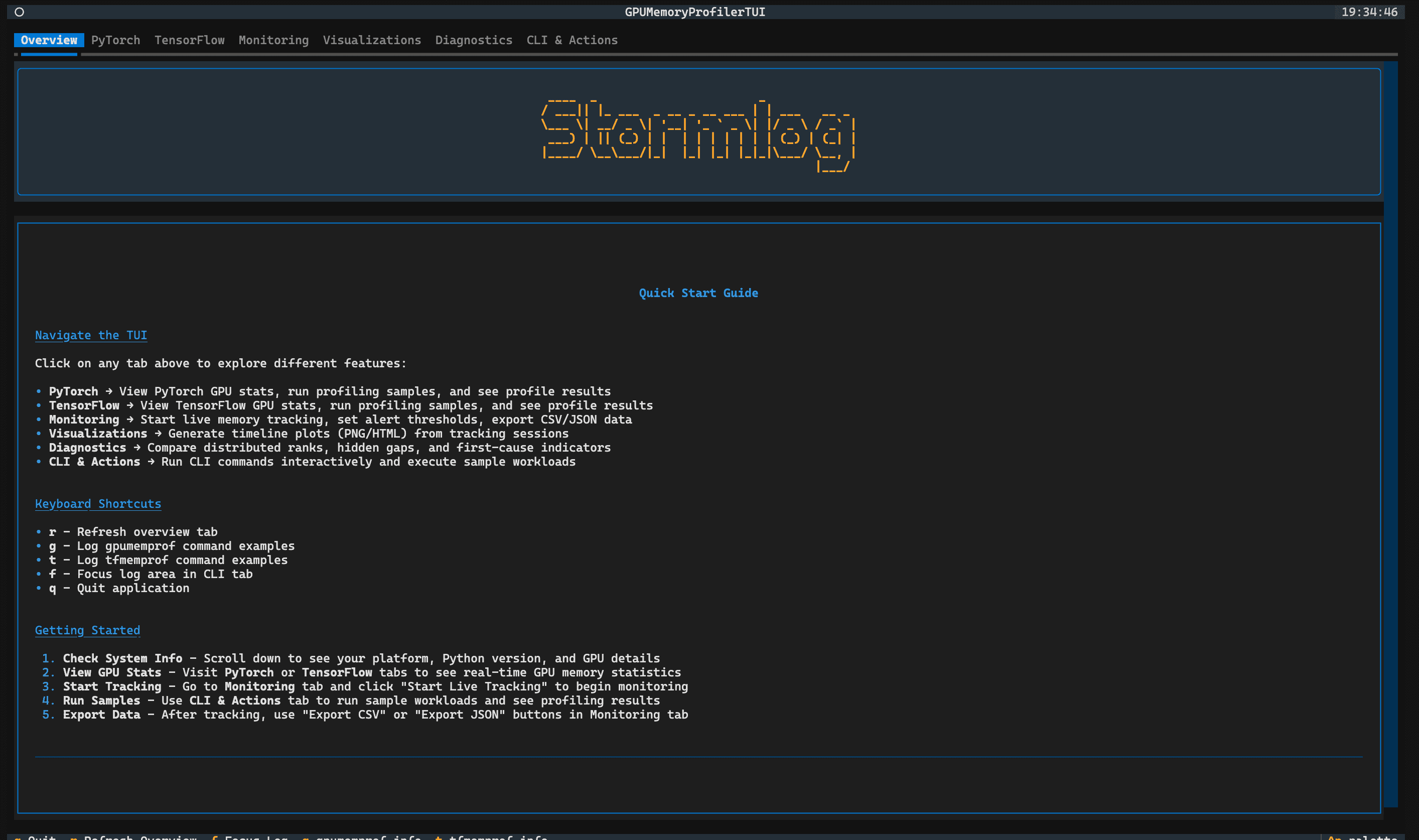
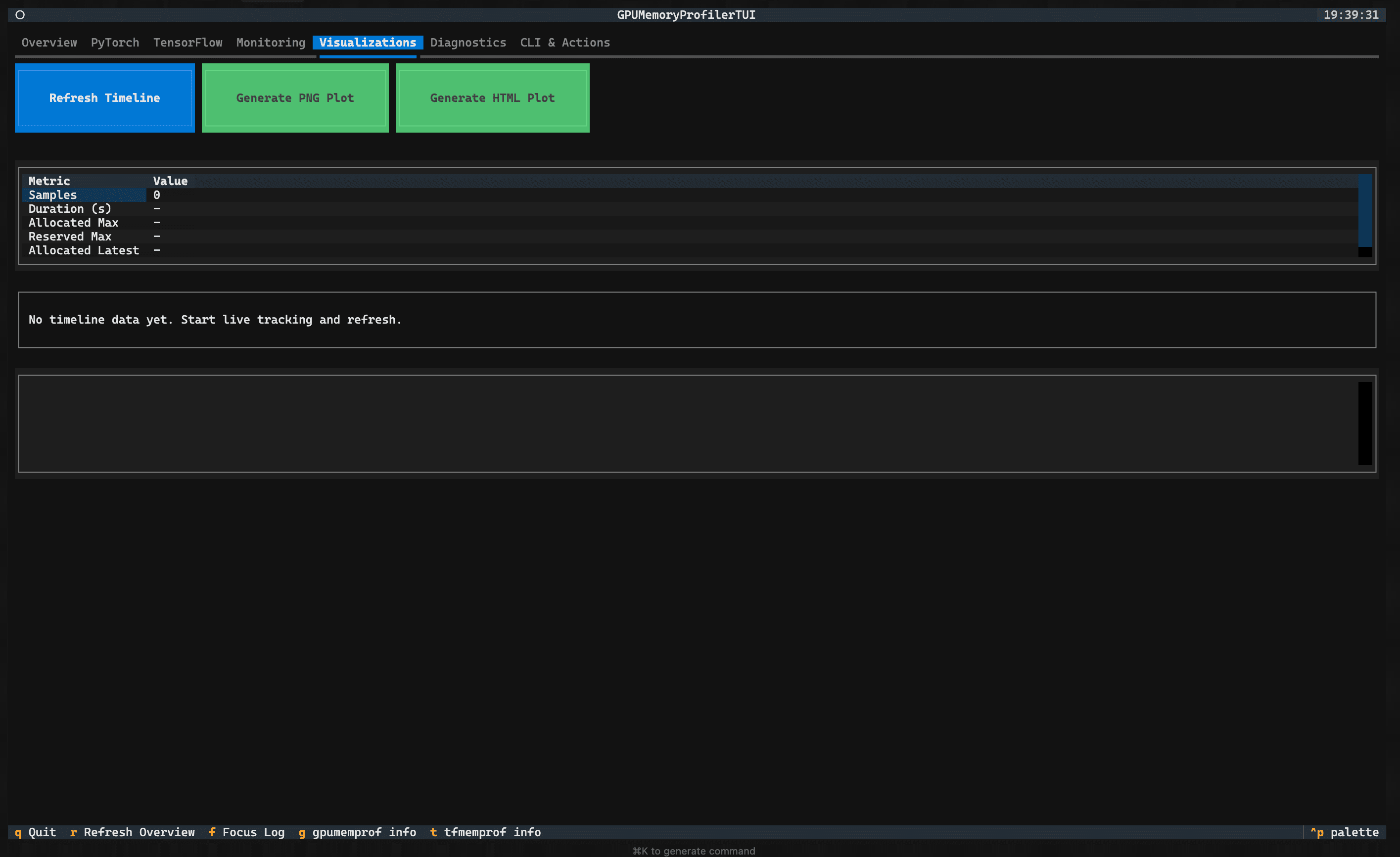
stormlogIn the Diagnostics tab, point the artifact loader at any of the events.json files from the tutorial output. The rank table and timeline panes rebuild from the saved data, which is the post-hoc inspection path for saved tracker exports. The Visualizations tab exports PNG or HTML plots from the current session or a loaded artifact; for artifact-backed plots outside the TUI, use the CLI or the MemoryVisualizer API.
The value here isn't just visual convenience. It's that the full debugging sequence — live tracking, export, analysis, and interactive inspection — all use the same artifacts and the same formats. You can move between interfaces without converting data or re-running jobs, which means the evidence you captured at run time stays useful indefinitely.
What This Walkthrough Covers and What It Doesn't#
This walkthrough is deliberately local and PyTorch-first. MPS has a specific characteristic worth knowing: allocator and device counters stay tightly coupled during live runs, so the hidden-gap analysis is demonstrated in this tutorial using a saved replay artifact rather than live counters. On CUDA and ROCm, that gap becomes a first-class debugging signal — it can reveal allocator fragmentation and reserved-but-unused memory that live counters alone won't show.
Stormlog's surface extends further than this post covers: TensorFlow backend support, distributed diagnostics with rank-aware anomaly attribution, cross-rank timeline visualization, and CI-oriented artifact workflows. Those are covered in the documentation and in the next posts in this series.
Run the Full Walkthrough#
To run every step in sequence:
bash run_all.shAll artifacts are written under artifacts/ and CLI logs under logs/. The TUI can reload any of them after the scripts finish.
For questions, issues, or to follow where Stormlog is going next:
- Repository and issue tracker: github.com/Silas-Asamoah/stormlog
- Documentation: stormlog.readthedocs.io
- Companion tutorial code: github.com/Silas-Asamoah/stormlog_tutorial